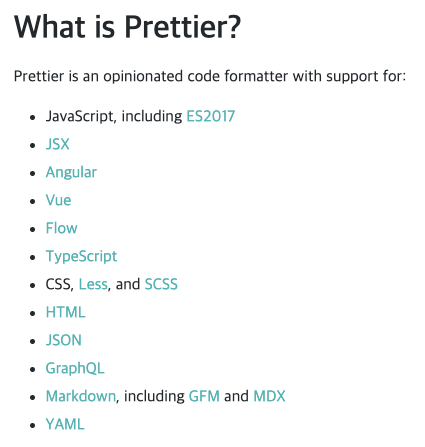
Code Formatter

Prettier

Prettier

EditConfig
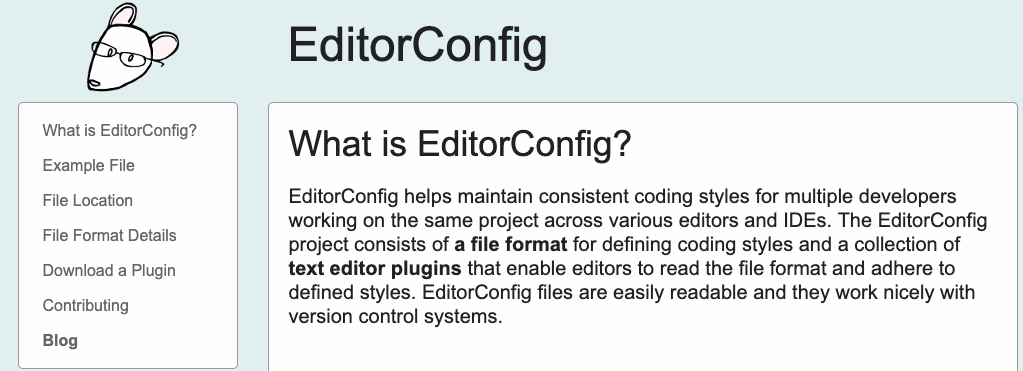
EditConfig

.editorconfig sample:

1
2
3
4
5
6
7
8
9
10
11
12
13
14
15
16
17
18
19
20
21
22
23
24
25
26
27
28
29
30
31
32
33
# EditorConfig is awesome: https://EditorConfig.org

# top-most EditorConfig file
root = true

# Unix-style newlines with a newline ending every file
[*]
end_of_line = lf
insert_final_newline = true

# Matches multiple files with brace expansion notation
# Set default charset
[*.{js,py}]
charset = utf-8

# 4 space indentation
[*.py]
indent_style = space
indent_size = 4

# Tab indentation (no size specified)
[Makefile]
indent_style = tab

# Indentation override for all JS under lib directory
[lib/**.js]
indent_style = space
indent_size = 2

# Matches the exact files either package.json or .travis.yml
[{package.json,.travis.yml}]
indent_style = space
indent_size = 2

Prettier formatter for Visual Studio Code
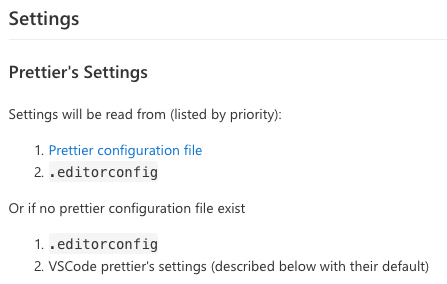
Settings

.editorconfig

1
2
3
4
5
6
7
8
9
10
11
12
root = true

[*]
indent_style = space
indent_size = 4
end_of_line = lf
charset = utf-8
trim_trailing_whitespace = true
insert_final_newline = false
[*.md]
indent_style = tab
indent_size = 4

.prettierrc.yaml

1
2
3
4
5
6
7
8
9
10
11
12
13
14
15
16
17
18
19
printWidth: 80
tabWidth: 2
singleQuote: false
trailingComma: "none"
bracketSpacing: true
semi: true
useTabs: false
proseWrap: "preserve"
arrowParens: "avoid"
quoteProps: "as-needed"
endOfLine: "lf"
overrides:
- files: "**/*.md"
options:
tabWidth: 4
useTabs: true
- files: "**/*.js"
options:
singleQuote: true
感谢支持,让我安静的做蚂蚁梦!